🧠 Behind the Scenes: How Your AI Agent Works 24/7
Ever wondered if your AI agent actually lives inside your WordPress site? Let's lift the hood and explore the secure, high-performance cloud architecture that powers AutoArticle AI and keeps your Telegram/WhatsApp synchronized.
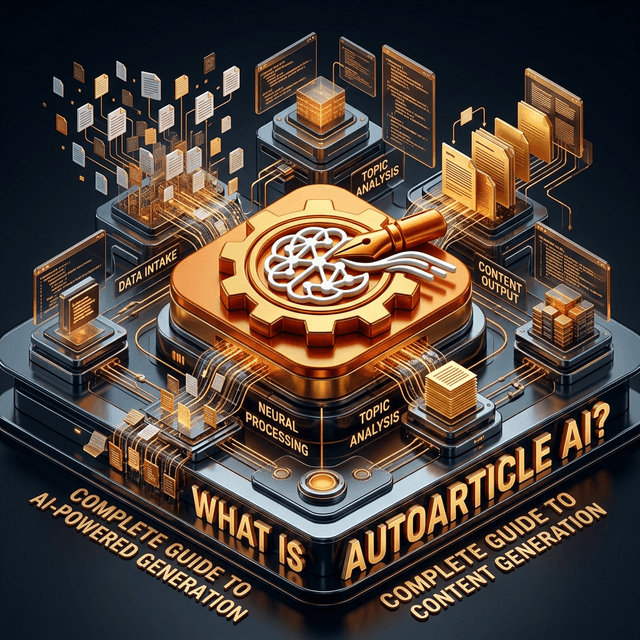
Where Does the AI Actually Live?
A common question we get from our users is: "Does the GPT-4o agent really live inside my WordPress dashboard, monitoring everything?"
The short answer is No, and for very good reasons.
If we forced a complex AI model to run or reside inside your WordPress server environment, it would consume massive amounts of memory, drastically slow down your actual website for visitors, and introduce significant security vulnerabilities.
Instead, the Agent lives entirely on our isolated, secure, high-performance cloud infrastructure.
Inside the AI Brain
The Plugin Is Your Bridge
When you install the AutoArticle AI WordPress plugin, you aren't downloading an AI model. You're installing a lightweight, highly secure receiver bridge.
The plugin's only job is to:
- 1.Provide our cloud agent permission to publish drafts via an API key.
- 2.Receive the completely finished, perfectly formatted articles from our secure servers.
- 3.Save them directly into your standard WordPress database.
The 24/7 Heartbeat
So how does the agent monitor things 24/7 if it doesn't live on your site?
Our massive central Cron engine acts as a heartbeat. Every single minute, it scans our database and asks: "Which agents are scheduled to run right now?"
When it's your agent's scheduled time, it wakes up, gathers all your preferred settings (your desired niche, style, word count, and reference feeds), and gets to work. It builds the perfect article, sends it down the bridge into your WordPress site, logging the execution perfectly.
Is It Synced with Telegram and WhatsApp?
Yes, entirely!
Because the "Brain" lives in our cloud, it acts as a central hub. When you send a command like /topic Artificial Intelligence via the Telegram Bot, you are not talking to your WordPress site directly. You are talking directly to the AutoArticle AI backend.
- 1.The Chat Payload: You send a message in Telegram or WhatsApp.
- 2.The Webhook: Our backend receives the message and immediately logs it into your precise Agent's task queue.
- 3.The Execution: On the very next scheduled run, the agent picks up your topic request, writes the article based on your customized WordPress standards, and publishes it seamlessly.
Rest assured, while your agent operates with immense intelligence and adheres strictly to your content standards, it does so safely from the cloud—never bogging down your own infrastructure.
Ready to automate your content?
Join thousands of publishers using AutoArticle AI to scale their content production.
Get Started Free